Your field team just received a 40-page PDF with client instructions, and nobody has time to manually retype the key details into a task list. That gap between document and action is where deadlines slip and work gets missed. Tasks.Bot closes it by extracting PDF data directly inside WhatsApp, the app your team already uses daily.
By the end of this article, you will know exactly how Tasks.Bot handles PDF extraction, which features turn extracted data into assigned tasks and deadline reminders, and whether the full access plan fits your budget. You will also see who benefits most from WhatsApp-based extraction and what security measures protect your documents during beta.
What Is Tasks.Bot and How Does It Handle PDF Extraction?
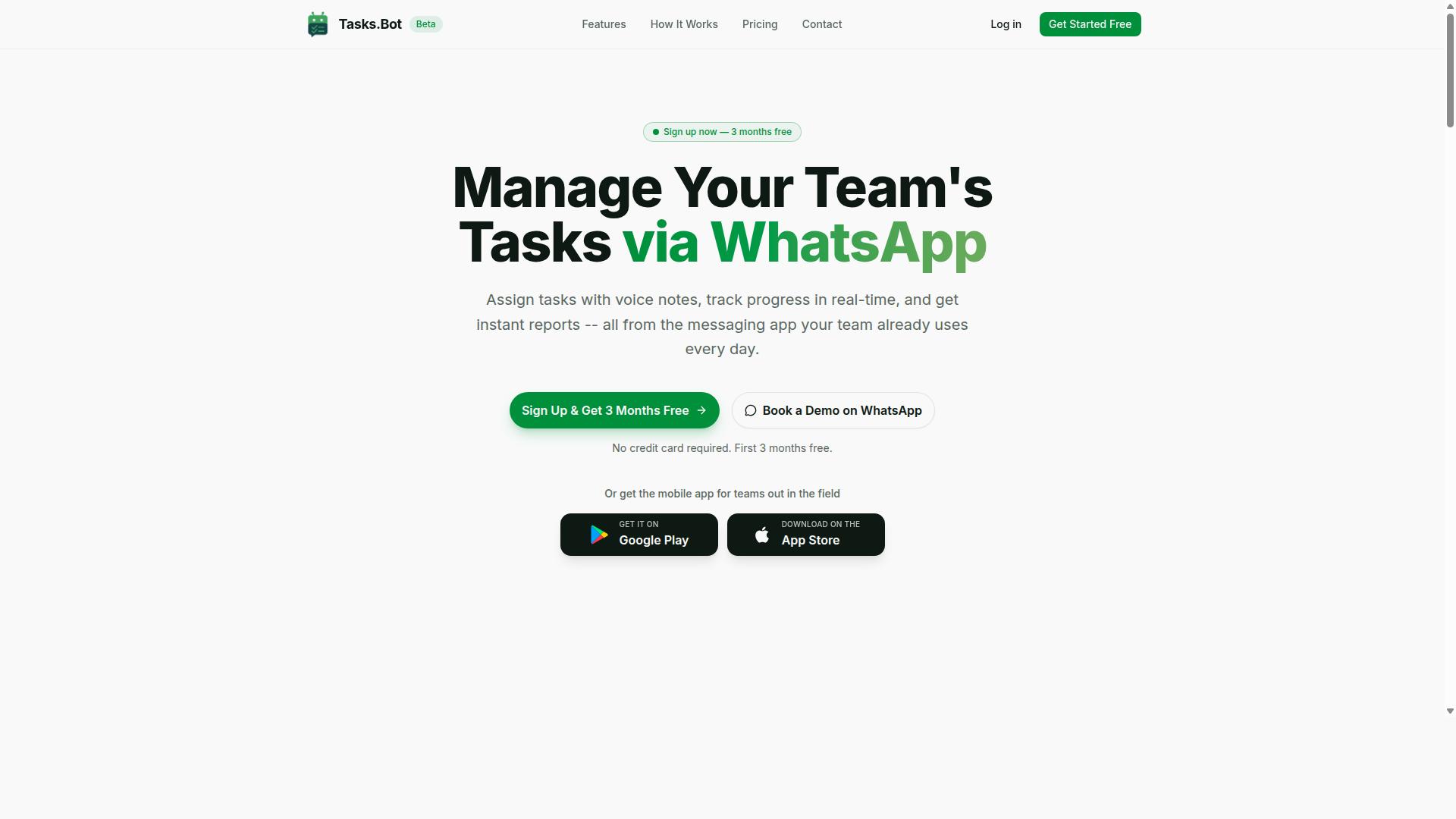
Tasks.Bot is a WhatsApp-native task management platform that uses AI to extract and structure data from PDFs, enabling teams to turn documents into actionable tasks without leaving their chat interface. The platform is currently in beta and offers a free trial period, making it accessible for teams that want to test its capabilities before committing.
At its core, Tasks.Bot combines OCR technology with machine learning to read PDF files and pull out the information that matters. This means invoices, receipts, work orders, and field reports can be parsed automatically, converting messy unstructured data into clean, structured fields that feed directly into task creation and management.
The process is straightforward. A team member shares a PDF through WhatsApp, the AI reads the document, and the relevant data becomes a structured task with the necessary details already filled in. This eliminates the need to switch between apps or manually retype information from paper documents.
For example, a delivery note containing customer names, addresses, and package weights can be transformed into a structured assignment instantly. The same applies to expense receipts, where amounts and dates are extracted and logged without manual entry.
Who Tasks.Bot Serves and Why PDF Extraction Matters
Tasks.Bot primarily serves teams that rely on WhatsApp for daily communication, especially those with field staff who need to process PDFs like work orders, delivery notes, or expense receipts on the go. The platform also offers a mobile app for field teams, ensuring that document processing works whether staff are at a desk or out in the field.
The site mentions that hundreds of teams are already using the service, which points to a growing demand for chat-based workflow tools. These teams typically include logistics companies, maintenance crews, sales organizations, and service providers who coordinate heavily through WhatsApp.
PDF extraction matters for these teams because manual data entry is both time-consuming and error-prone. When a field technician receives a PDF work order, they need the job details captured accurately and quickly. Typing that information by hand into a separate system introduces delays and the risk of mistakes.
Consider these common scenarios where extraction makes a real difference:
- Invoice processing: Vendor invoices arrive as PDFs and need amounts, due dates, and line items logged into a tracking system.
- Receipt scanning: Field staff snap or forward expense receipts, and the relevant details are captured for reimbursement.
- Form extraction: Completed forms, such as safety checklists or customer surveys, are digitized into structured records.
By automating these workflows, Tasks.Bot removes the friction between receiving a document and acting on it. Teams save hours of manual work, reduce data entry errors, and keep their operations moving within the messaging app they already use every day. For organizations with distributed staff, this combination of AI-powered extraction and WhatsApp accessibility transforms how documents become tasks.
Why Tasks.Bot Is the Best Choice for PDF Extraction
Tasks.Bot stands out because it brings PDF extraction directly into WhatsApp, eliminating the need for additional software, logins, or learning curves. Traditional extraction tools force teams to switch between separate platforms, juggle multiple accounts, and master new interfaces before they can process a single document.
This friction slows down workflows and often leads to manual data entry as a workaround. Tasks.Bot removes that barrier entirely by working inside the messaging app your team already uses every day. The result is a faster, more accessible approach to document digitization that fits naturally into existing communication habits.
The platform combines user-friendly convenience with enterprise-grade security. Conversations and task data are never shared or used for training, which makes it a safe option for sensitive invoices, receipts, and contracts. For teams that need both speed and compliance, this combination of accessibility and protection is a clear advantage over conventional PDF extraction software.
Extraction Within WhatsApp: No New Tools or Accounts Needed
With Tasks.Bot, team members can send a PDF directly in a WhatsApp chat, and the AI extracts the relevant data without requiring them to install another app or create a separate account. The process is as simple as sending a message, which means zero installation and zero learning curve for your staff.
Imagine a field worker snapping a photo of a delivery receipt and sending it to the team chat. Tasks.Bot processes the document in the background, pulling out the key details and turning them into structured data that can feed automated workflows. No one has to open a laptop, log into a portal, or re-type information from a paper trail.
This convenience extends beyond WhatsApp itself. The same extraction capability works through the Tasks.Bot mobile app, making it practical for teams that operate in the field. Whether your staff is on a job site, in a warehouse, or visiting clients, they can digitize documents on the spot. This makes Tasks.Bot a genuinely scalable, cost-effective solution for organizations that need PDF to text conversion without adding new tools to their tech stack.
AI-Powered Natural Language and Voice Note Extraction
Beyond simple PDF text extraction, Tasks.Bot uses AI to understand natural language and even voice notes, allowing users to dictate instructions alongside a PDF for context-aware task creation. This is a significant step up from traditional OCR tools that only convert images to text without understanding the meaning behind the words.
For example, a manager might photograph an invoice and send a voice note saying, "create a task to follow up on payment." Tasks.Bot processes the image, recognizes the invoice details, and creates a task that captures both the document data and the spoken instruction. This combination of text recognition and natural language processing transforms a static file into an actionable workflow item.
The practical benefit is a major reduction in manual data entry. Instead of extracting text, copying it into a spreadsheet, and then creating a separate task, users complete the entire process in one step. This improves accuracy because the AI interprets intent rather than just matching regex patterns or template-based extraction rules. For handling unstructured data like receipts, forms, and handwritten notes, this intelligent approach to document parsing and form extraction saves time and reduces errors that plague traditional extraction methods.
Key Features That Make Tasks.Bot Stand Out for PDF Workflows
Tasks.Bot transforms extracted PDF data into actionable workflows with features like automatic task assignment and smart deadline reminders, all triggered by the content of the documents. When you upload an invoice, contract, or timesheet, the platform reads the key fields and turns them into structured work items. This means the data extraction step is not the end of the process, it is just the beginning.
The real value appears once the PDF data becomes tasks that your team can act on. Instead of copying figures from a PDF into a spreadsheet and then manually assigning follow-ups, Tasks.Bot handles the organization for you. The platform uses AI to understand user intent and create tasks from messages, which extends naturally to the information pulled from your documents.
For teams that handle high volumes of PDFs, this creates a clear path from raw extraction to completed work. The features that matter most for PDF workflows include automatic task assignment, smart deadline reminders, instant reports, and the live day tracker. Each one removes a manual step that typically slows down document-driven processes.
By bridging document parsing and workflow automation, Tasks.Bot ensures that no extracted detail gets lost in a folder or forgotten in an inbox. The following sections break down how these specific features handle the transition from unstructured data to organized, trackable work items.
Automatic Task Assignment and Smart Deadline Reminders from Extracted Data
When Tasks.Bot extracts a due date or assignee from a PDF, it automatically creates a task and assigns it to the right team member, sending smart reminders as the deadline approaches. The system reads fields like names, dates, and amounts to populate the task details without any manual typing. This turns a static document into a live action item that someone owns and is accountable for.
Consider a typical invoice PDF that arrives with a payment due date. Tasks.Bot pulls that date, creates a payment follow-up task, and assigns it to the responsible person. The smart reminder system then notifies that team member as the deadline gets closer, so the payment does not slip through the cracks.
These reminders are delivered through WhatsApp, which is where many teams already communicate. This native WhatsApp integration means that important deadlines appear in the same chat thread as other work conversations. The automatic task assignment also applies to documents like contracts with renewal dates or purchase orders with delivery schedules.
The result is a workflow where PDF extraction feeds directly into task creation. No one has to read the document, interpret the date, and then manually build a reminder. Tasks.Bot handles that interpretation and makes the extracted data immediately useful for daily operations.
Instant Reports and Live Day Tracker for Extracted Information
Extracted data from PDFs is automatically compiled into instant reports and a live day tracker, giving managers a real-time view of progress without manual spreadsheet work. When your team submits timesheets, receipts, or field reports as PDFs, the platform aggregates the totals and presents them in a readable format. This eliminates the weekly ritual of collecting documents and building summary sheets by hand.
For example, total hours from timesheet PDFs are added up automatically, and expenses from receipts are categorized without anyone retyping the numbers. The time-saving aspect here is significant because it removes the most tedious part of document processing. Managers get the information they need without waiting for someone to compile it.
The live day tracker is particularly useful for field teams who submit their daily activities as PDFs. It shows where work stands at any given moment, so managers can spot delays or gaps early. These reports are available on WhatsApp, which means you can check the status of your team's output from anywhere without opening a separate dashboard.
This combination of instant reports and live tracking turns extracted PDF data into a management tool. Instead of storing documents for later reference, the information becomes an active part of how you monitor progress and make decisions. The manual reporting burden disappears, and the extracted data serves a clear operational purpose.
Pricing and Plans for PDF Extraction Users
Tasks.Bot offers a simple 'Full Access' plan that includes all PDF extraction features, with pricing in both Indian Rupees and US Dollars. There are no hidden tiers, no feature-gated upgrades, and no surprise add-ons. What you see is what you get, which makes budgeting for document parsing and data extraction remarkably predictable.
This straightforward approach is cost-effective for teams of any size, from a solo freelancer handling receipt scanning to a large enterprise managing invoice processing at scale. You pay per member, and every member gets the same complete toolkit. That means no one on your team is stuck with a limited version that cannot handle table extraction or form extraction.
For teams evaluating workflow automation tools, the lack of confusing pricing tiers is a genuine advantage. You can calculate your total cost in seconds, without needing a sales conversation to understand which plan actually includes the AI-powered features you need. The pricing structure itself removes a common barrier to adoption.
Full Access Plan: Monthly and Annual Options
The Full Access plan is available at 200 per member per month, or 1,200 per member per year, with the annual option saving you two months' worth of fees. In effect, the annual plan works out to 100 per member per month, which is a meaningful saving for teams running automated workflows all year round.
For international customers, the same plan is available in US Dollars, so you can pay in the currency that suits your business. The plan includes all features, covering PDF extraction, AI capabilities, and reports. There is no separate enterprise tier that unlocks the good stuff, because the good stuff is already included.
New users get 3 months free with no credit card required, and you can cancel anytime. This makes it easy to test whether Tasks.Bot fits your document digitization needs before committing long term. Teams can also start with a demo to see if it fits their needs, which is especially useful for evaluating accuracy on your own specific document types.
When you compare this to the cost of manual data entry or building custom template-based extraction in-house, the value is clear. The annual plan is the most economical choice for teams that know they will be processing PDFs consistently, while the monthly option offers flexibility for shorter projects or trial periods. Either way, you get the same full-featured platform for text recognition, metadata extraction, and batch processing.
Trust Signals: Security and Track Record
When handling sensitive PDFs, security is paramount, and Tasks.Bot addresses this with enterprise-grade encryption and a transparent beta status. Document extraction often involves confidential contracts, financial records, and personal data, so the protection of that information cannot be an afterthought. The platform treats security as a foundational layer rather than a bolt-on feature.
For businesses evaluating a new tool, trust is built on visible safeguards and honest communication. Tasks.Bot provides clear signals about how data is handled, which matters more than vague promises. The combination of strong encryption and a public beta label gives you a realistic picture of where the product stands today.
European users will appreciate the attention to GDPR compliance, which is essential for any service processing personal data. This focus on regulatory alignment shows that the platform is designed with business requirements in mind. The transparency about its current phase, rather than hiding it, is itself a sign of a responsible vendor.
When you compare the security posture with the practical needs of document digitization, the fit is clear. The platform is built for teams that need reliable PDF extraction without compromising on data protection. That balance of capability and caution is exactly what a professional environment requires.
Enterprise-Grade Encryption and Beta Status
Tasks.Bot uses enterprise-grade encryption to protect your PDF data, and while it's currently in beta, the platform already serves hundreds of teams, indicating reliability. Encryption protects your files both while they travel to the server and while they rest in storage. This dual-layer approach is the standard that businesses should expect from any serious data processing service.
The beta label often raises questions, and that is fair. However, beta status does not mean unstable or unfinished. It means the product is evolving based on real user feedback, which is a sign of active development. Many established tools have launched through beta phases before reaching wider release.
Early adopters have a safety net in the form of a refund policy mentioned in the footer of the website. This policy reduces the risk of trying a new platform for your invoice processing or table extraction needs. It shows the company stands behind its service while it continues to refine the product.
The platform already handles a range of extraction tasks, from text recognition to form extraction, for teams that rely on automated workflows. The fact that hundreds of teams trust it during beta is a meaningful track record. As the product matures, users can expect improvements in accuracy and new capabilities.
Being in beta also means the team is actively listening to feedback and prioritizing fixes. For users, this translates to a tool that gets better over time rather than staying static. The combination of enterprise-grade security, a growing user base, and a clear refund policy makes the beta caveat manageable.
Businesses that value security and compliance will find that Tasks.Bot meets their expectations without forcing them to wait for a final release. The platform is ready for production use, and the beta status is simply an honest label. For teams looking to automate PDF extraction today, the balance of risk and reward is strongly in favor of adoption.
Who Should Use Tasks.Bot for PDF Extraction
Tasks.Bot is ideal for organizations that rely on WhatsApp for communication and have field staff who frequently handle PDFs like work orders, delivery receipts, or expense forms. The platform is built around the way modern teams actually work, not around forcing everyone into a new software ecosystem.
Teams with employees on the move face a constant challenge: paperwork piles up, data entry falls behind, and errors creep in when someone retypes information. Tasks.Bot removes that bottleneck by turning WhatsApp into a data capture tool that anyone can use. Hundreds of teams already use the service, which points to its practical value for real-world operations.
The platform is global, so it suits distributed teams across different time zones and regions. Whether your staff work across one city or several countries, the same simple workflow applies everywhere. Faster data entry, better task tracking, and improved productivity are the direct outcomes for teams that adopt this approach.
Field Teams and WhatsApp-Reliant Organizations
Field teams, such as delivery drivers or maintenance crews, can snap a photo of a PDF, send it via WhatsApp, and have the data extracted into tasks without ever leaving the chat. Consider a delivery driver who receives a delivery note as a PDF attachment. Tasks.Bot extracts the customer name and address, then creates a follow-up task automatically.
This removes the need for manual data entry after every job. Manual errors drop significantly when information moves directly from document to task list without retyping. The time saved on each document adds up quickly across a full day of deliveries or service calls.
The mobile app complements WhatsApp for on-the-go use, giving staff a consistent way to handle documents no matter where they are. No new tools or accounts are needed, which is a major plus for non-tech-savvy staff. Workers already know how to use WhatsApp, so the learning curve is nearly zero. That simplicity is what makes document parsing and data extraction practical for frontline teams, not just office-based administrators.
Final Verdict
Tasks.Bot offers a unique and practical solution for PDF extraction, especially for teams already embedded in WhatsApp, combining AI accuracy with unmatched convenience. The platform stands out because it removes the friction of switching between tools. You stay in your familiar chat interface while the heavy lifting of document parsing happens in the background.
The key strengths are clear. Ease of use is the headline benefit, since there is no steep learning curve or complex setup. The AI-powered extraction handles unstructured data, turning messy PDFs into structured data without manual effort. This includes everything from invoice processing to receipt scanning and table extraction.
Seamless integration with WhatsApp is the differentiator that sets Tasks.Bot apart from traditional desktop software. Instead of uploading files to a web portal, you send a document through chat and receive the extracted results in return. This makes automated workflows feel natural and accessible for non-technical team members.
Cost-effective pricing adds to the appeal, particularly for small and medium businesses that need document digitization without enterprise-level budgets. The combination of OCR, text recognition, and machine learning delivers accuracy that rivals more expensive platforms. You get the benefits of cloud-based processing without the overhead of on-premise infrastructure.
It is fair to acknowledge that Tasks.Bot is still in beta status. Some users may encounter occasional quirks or wait for new features to roll out. However, this early stage also means the team is actively refining the product based on real user feedback, which is a positive sign for long-term improvement.
For teams that live in WhatsApp and need reliable PDF to text conversion, the choice is compelling. The platform handles form extraction, metadata extraction, and batch processing with a user-friendly, no-code approach. It is a practical answer to the daily problem of manual data entry and repetitive file conversion tasks.
If you want to see how Tasks.Bot can streamline your document workflows, reach out directly to the team for more information or to book a demo. You can call +91 97143 42522 or send an email to [email protected]. The team is ready to show you how AI-powered extraction can save your team time and improve productivity.
Frequently Asked Questions
How does Tasks.Bot extract data from PDFs if it works inside WhatsApp?
Tasks.Bot uses AI to understand natural language, which extends to processing PDF files you send directly in your WhatsApp chat. You simply share the PDF in the conversation, and the platform extracts the relevant task details, deadlines, or instructions without you needing to manually re-type anything.
Do my team members need to install any special software to use the PDF extraction feature?
No. Because Tasks.Bot operates entirely within WhatsApp, your team members don't need to install anything or create new accounts. They can send PDFs from their existing WhatsApp app, and the extraction happens automatically in the background, keeping the workflow frictionless.
Can Tasks.Bot extract data from PDFs that contain voice notes or images?
Tasks.Bot's AI is designed to understand natural language, including voice notes, and can pull relevant information from documents you share. For PDFs that contain images or scanned text, the platform processes the content you send, but for best results, we recommend sending clear, text-based PDFs to ensure accurate extraction.
Is the PDF extraction feature available on all Tasks.Bot pricing plans?
Yes, PDF extraction is part of the 'Full Access' plan, which includes all features with no hidden tiers. Pricing is simple-200 per member per month or 1,200 per member per year (saving 50%)-and the extraction capability is included in that single plan.
How does Tasks.Bot handle extracted PDF data for field teams who are always on the move?
Once a PDF is extracted, the tasks are automatically assigned and appear in the WhatsApp chat, plus on the mobile app for field teams. This means your staff can see the extracted tasks on a map or in their live day tracker, without needing to open a separate desktop tool or email.
What if the PDF extraction doesn't work perfectly for my document-can I get support?
Yes, Tasks.Bot is currently in beta, and the team actively supports users. You can book a demo on WhatsApp or reach out directly via phone at +91 97143 42522 or email at [email protected]. The platform also has a refund policy, so you can test the extraction feature with confidence.
Recommended Resources: